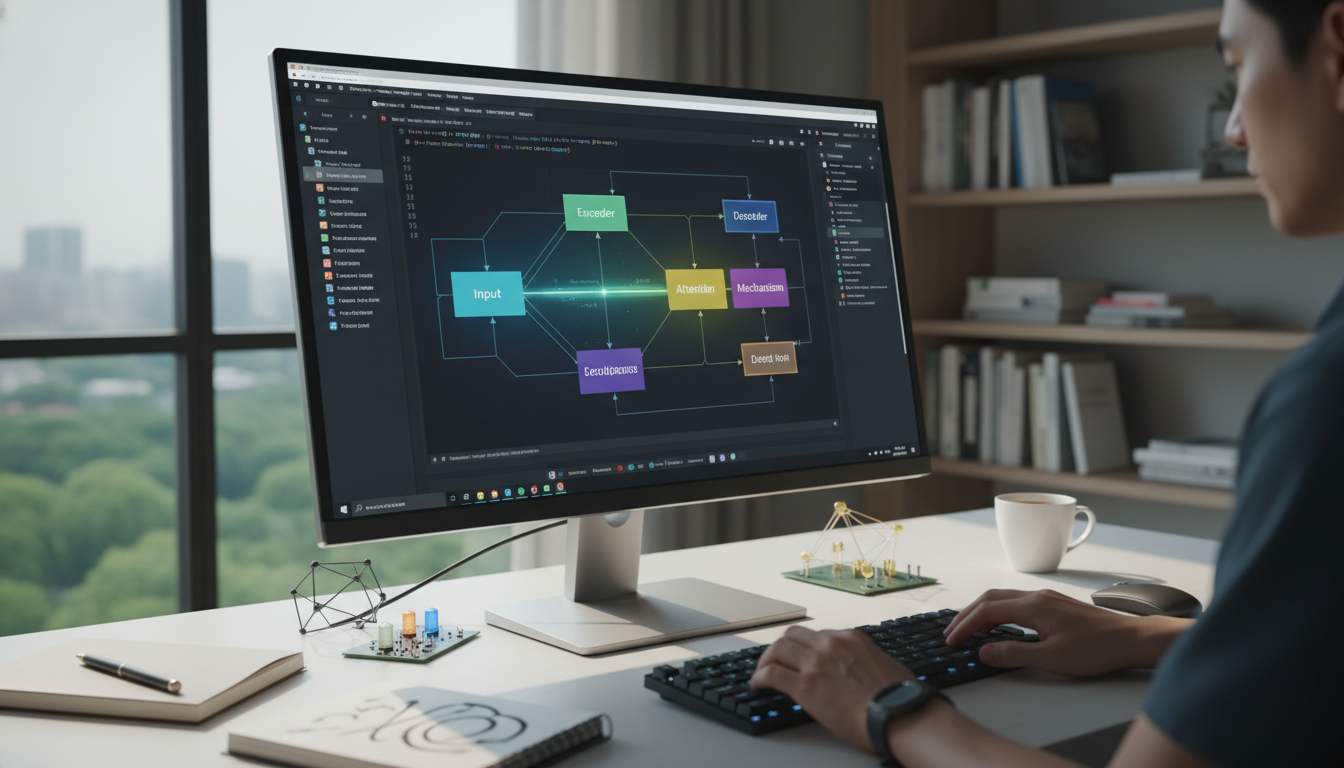

Introduction to Fine-Tuning Large Language Models
In the rapidly evolving world of artificial intelligence, large language models (LLMs) like GPT-series have revolutionized how we interact with machines. Fine-tuning these models allows developers to adapt pre-trained LLMs to specific tasks, making them more efficient and relevant for custom applications. This tutorial will walk you through the process step by step, ensuring you can harness the power of LLMs for your AI projects.
Why fine-tune an LLM? Pre-trained models come with vast knowledge from general datasets, but they might not perform optimally for niche domains like medical chatbots or legal assistants. By fine-tuning, you refine the model's parameters using targeted data, improving accuracy and reducing errors. This guide assumes basic knowledge of Python and machine learning concepts, so let's dive in.
Prerequisites for Fine-Tuning LLMs
Before you start, ensure you have the necessary tools and environment set up. You'll need:
- A working installation of Python (version 3.8 or higher).
- The Hugging Face Transformers library, which simplifies working with LLMs.
- Access to a GPU for faster training; if not, CPU will suffice but may take longer.
- A dataset relevant to your task - more on this later.
Install the required libraries using pip: pip install transformers datasets torch. These will handle model loading, data processing, and training. Once set up, you're ready to select and prepare your model.
Selecting and Preparing Your LLM
Choosing the right pre-trained LLM is crucial. Popular options include models from the Hugging Face hub like BERT, RoBERTa, or more advanced ones like Llama. For this tutorial, we'll use a variant of GPT-2 for simplicity, but the steps are adaptable.
First, load the model using the Transformers library:
from transformers import AutoModelForCausalLM, AutoTokenizer

model_name = "gpt2-medium"
model = AutoModelForCausalLM.from_pretrained(model_name)
tokenizer = AutoTokenizer.from_pretrained(model_name)
Next, prepare your dataset. Fine-tuning requires a dataset in a format the model can understand, such as text pairs for question-answering or sequences for text generation. Use the Datasets library to load and preprocess data:
from datasets import load_dataset

dataset = load_dataset("your_dataset_name", split="train[:80%]+validation[:20%]") # Example: Use a split for training and validation
Tokenize your data to convert text into numerical inputs:
def tokenize_function(examples):
 return tokenizer(examples["text"], padding="max_length", truncation=True)

tokenized_datasets = dataset.map(tokenize_function, batched=True)
This step ensures your data is formatted correctly for the model. Remember, quality data leads to better fine-tuning results.
Setting Up the Training Process
With your model and data ready, it's time to configure the training. This involves defining hyperparameters, setting up a trainer, and monitoring the process.
Key hyperparameters include:
- Learning rate: Start with 5e-5 for fine-tuning.
- Batch size: 8-16, depending on your hardware.
- Number of epochs: 3-5 to avoid overfitting.
Use the Trainer class from Transformers for ease:
from transformers import Trainer, TrainingArguments

training_args = TrainingArguments(output_dir="./results",
 num_train_epochs=3,
 per_device_train_batch_size=8,
 per_device_eval_batch_size=8,
 warmup_steps=500,
 weight_decay=0.01,
 logging_dir="./logs",)

trainer = Trainer(model=model,
 args=training_args,
 train_dataset=tokenized_datasets["train"],
 eval_dataset=tokenized_datasets["validation"],)
Run the training with: trainer.train(). Monitor metrics like loss and accuracy to ensure the model is learning effectively.
Evaluating and Improving Your Fine-Tuned Model
After training, evaluate your model on a validation set to measure performance. Use metrics such as perplexity for language models or accuracy for classification tasks.
eval_results = trainer.evaluate()
print(eval_results)
If results are suboptimal, consider techniques like learning rate scheduling or adding more data. Fine-tuning is iterative - test your model on real-world inputs and refine as needed.
For example, generate text with your fine-tuned model:
input_text = "Write a summary of AI advancements in 2026."
inputs = tokenizer(input_text, return_tensors="pt")
outputs = model.generate(inputs["input_ids"])
print(tokenizer.decode(outputs[0]))
Best Practices and Common Pitfalls
To get the most out of fine-tuning, follow these best practices:
- Avoid overfitting by using regularization techniques like dropout.
- Ensure your dataset is balanced and representative.
- Save your model checkpoints regularly for resuming training.
- Be mindful of computational resources; fine-tuning can be resource-intensive.
Common pitfalls include using too small a dataset or ignoring ethical considerations, such as bias in training data. Always test for fairness in your AI outputs.
Conclusion and Next Steps
Fine-tuning large language models opens up endless possibilities in AI development, from creating personalized chatbots to advanced content generation. By following this tutorial, you've learned how to select, prepare, train, and evaluate an LLM for your specific needs. As you experiment, remember that the AI field is dynamic - stay updated with the latest model releases and techniques.
Next, try integrating your fine-tuned model into a real application, such as a web API. The skills you've gained here are foundational for more complex machine learning projects. Happy fine-tuning!